Quantum Engine
Project Info
Developed For: University (My MSc final Project)
Platforms: Windows
Responsibilities: Programming, Design, asset preparation
Tools: C++, Win32 API, DirectX 12, DXR
Team size: 1
Time Frame: from May 2025 to present
Introduction
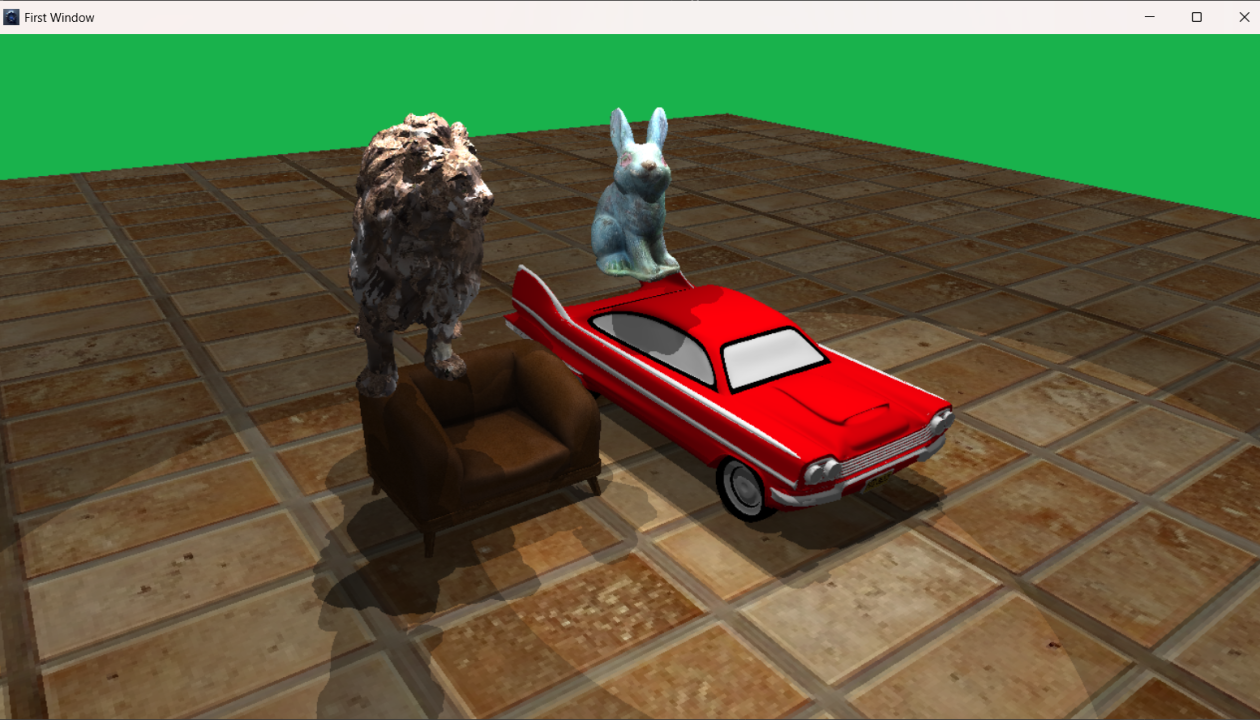
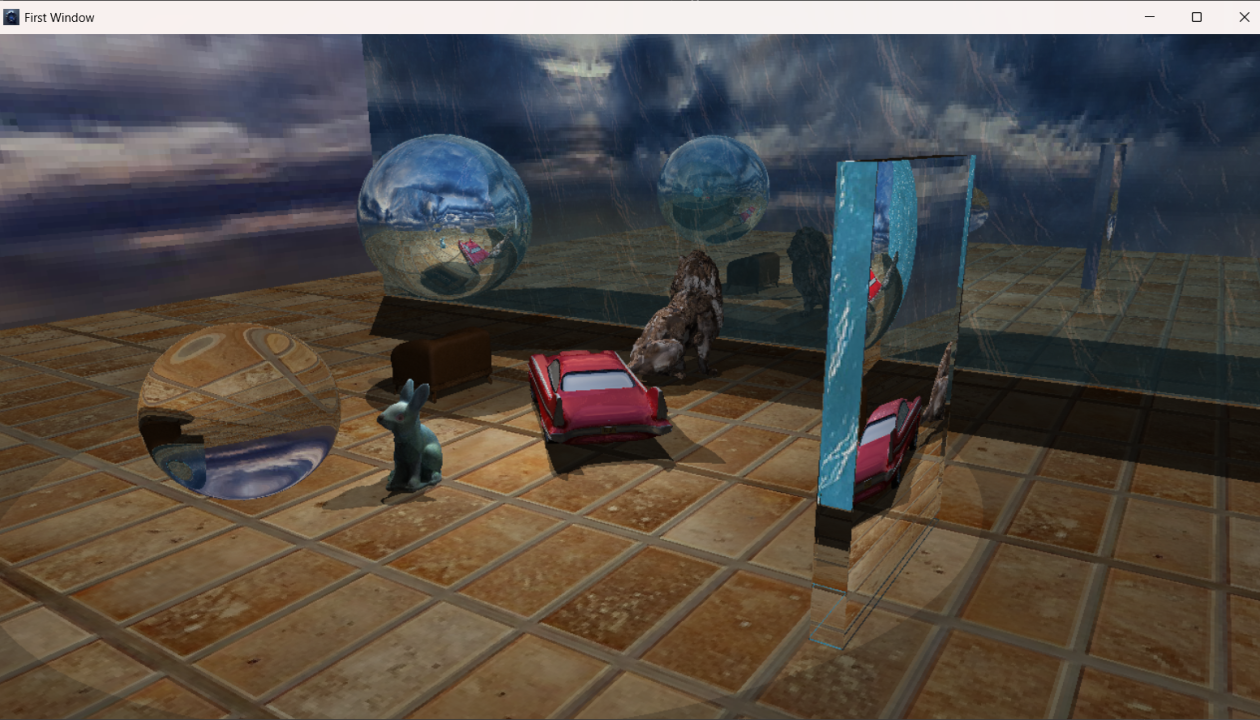
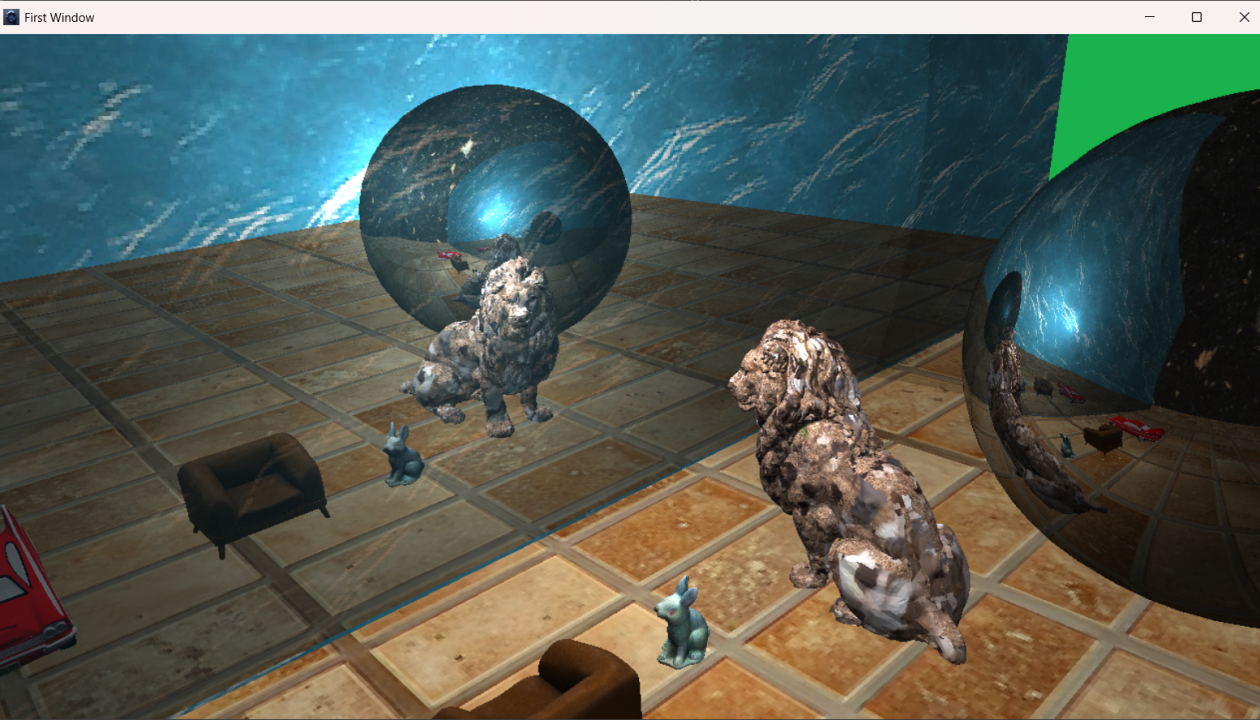
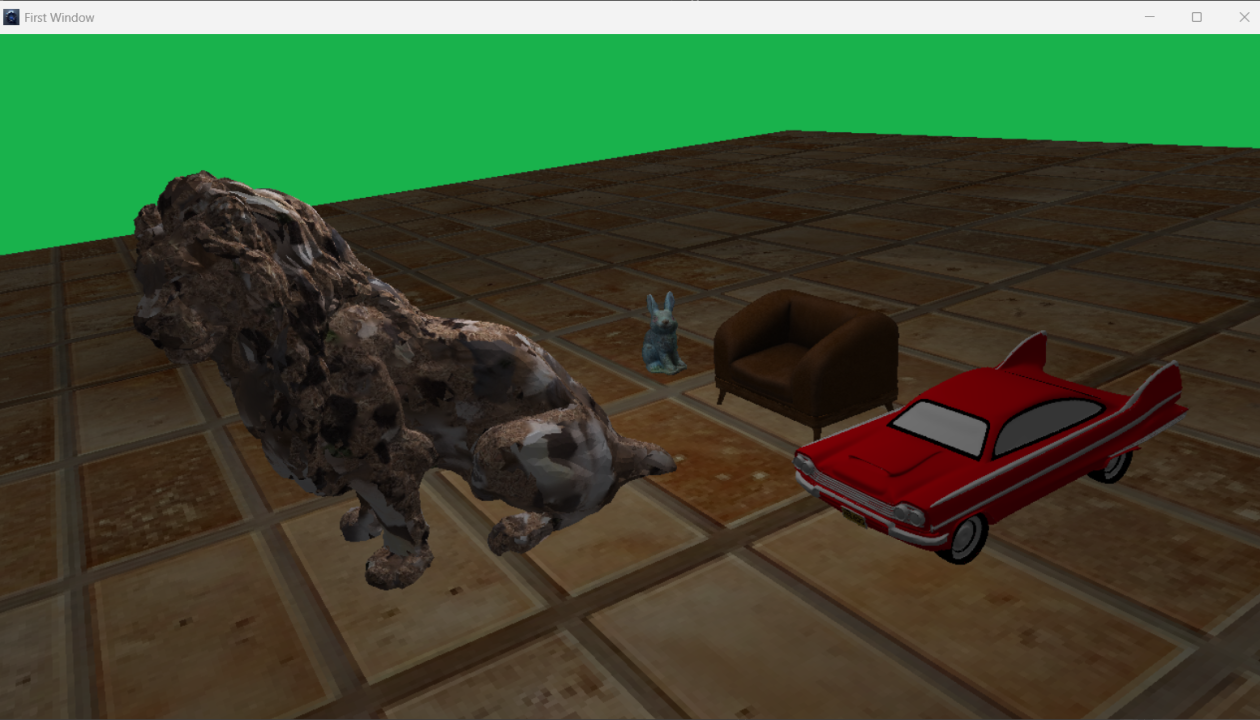
‘Quantum Engine’ is a rendering engine for Windows capable of using both rasterization and ray tracing to render 3D objects. This project was created as part of my final master’s project, titled ‘Real-time Ray Tracing Render Engine.’ It is built with C++ and uses the Win32 API for window management. The engine leverages DirectX 12 as its graphics API and DXR for the ray tracing pipeline. For my master’s project, this engine was developed to compare rasterization and ray tracing rendering as part of the task. In the future, I hope to evolve this rendering engine into a game engine if time allows.
Right now, a playable demo is available for download. In this demo, the user can render several scenes from a simple Windows application built with WPF.
Main Features
Here are some of the main features of this render engine:
It features two main renderers: a full ray tracing renderer and a hybrid renderer that can utilize rasterization or a combination of rasterization and ray tracing.
It includes a feature for importing and rendering 3D model files using the ‘Assimp’ package (link). Currently, it only supports static meshes.
It offers the capability to import and utilize textures for rendering via the ‘Windows Image Component’ SDK.
It is capable of compiling and using rasterization, compute and ray tracing HLSL shaders with the ‘DXC Compiler’.
For every rasterization and ray tracing shader, we can generate material instances with unique parameters and textures for customization.
Each material’s properties can be modified at runtime.
The application can render at a fixed frame rate or with unlimited FPS, depending on the settings.
Each object has a ‘transform’ component for its position and orientation, a ‘Renderer component’ for the Hybrid Renderer, and a ‘Ray Tracing component’ for the Ray Tracing Renderer.
By holding the right mouse button, the user can navigate through the scene using mouse movement and the WASD keys.
Applications can include ‘Behaviour’ objects that allow for custom control over scene like object movement, data logging, and more.
Future Plans
This software currently functions as a render engine, but it has the potential to evolve into a game engine in the future, which is my goal for this project in my free time. There are countless tasks ahead to transform it into a game engine. At present, there are several tasks that need to be completed to make the software more polished. Below are some of these tasks, listed in order of priority:
Add Vulkan API in both hybrid and ray tracing render modes. So, the user can choose between two graphics APIs for rendering the scenes.
Make the scenes and materials data-oriented, as building scenes with code can be tedious.
Design an asset management system for importing resources such as materials, textures, shaders, and more.
Currently, the project supports vertex/pixel/geometry shaders, compute shaders and two ray tracing shader stages. The plan is to add additional shaders, tessellation, mesh shaders and other ray tracing shader stages.
During the project timeline, I didn’t have the opportunity to implement UI rendering. However, I plan to integrate a UI system to render image and text overlays in the future . I will probably use ImGUI for this.
Include an Editor in the project to enhance its software-like feel. Potential frameworks for this are Qt and WPF, but I haven’t made a decision yet.